
Intro to Creo Simulate
CREO SIMULATE TRAINING Description
Does your business struggle with new product introductions? Are competitors beating you to market? Are you spending too much on prototype manufacture and testing, while not getting useful information from those tests? Do you have problems with product quality and returns? Are your products overbuilt and therefore too expensive? Are you spending too much money and waiting too long for an outside consultant to deliver your FEA results?
“Cut prototype costs, catch failures before tooling, and get to market faster all in just three days.” Says Mikey Wakefield, your FEA instructor with over 30 years of experience.
If any of this sounds familiar, it’s time to make finite element analysis part of your engineering process. In this three-day course of hands-on instruction, you’ll take parts from CAD preparation through meshing, loading, solving, and results interpretation and learn to recognize when a simulation can be trusted and when it can not.
This is not a button-pushing tour of the software. You’ll work through real analysis problems, run into the same issues you’ll face on the job, learn to resolve them with sound engineering judgment, and learn to properly interpret and explain the results to your team so the knowledge actually pays off.
WHO SHOULD ATTEND
Mechanical engineers and product designers who work in Creo and need to validate their own designs. If your team builds physical prototypes to find problems, this course teaches you to find them on screen first — getting your work done faster and at lower cost by moving prototypes from the physical world to the digital, while improving the quality of the physical prototype testing you do run.
EXPECTATIONS AFTER THE COURSE
- Set up static structural analyses with realistic loads and boundary conditions
- Mesh imported and native geometry — and fix problem meshes
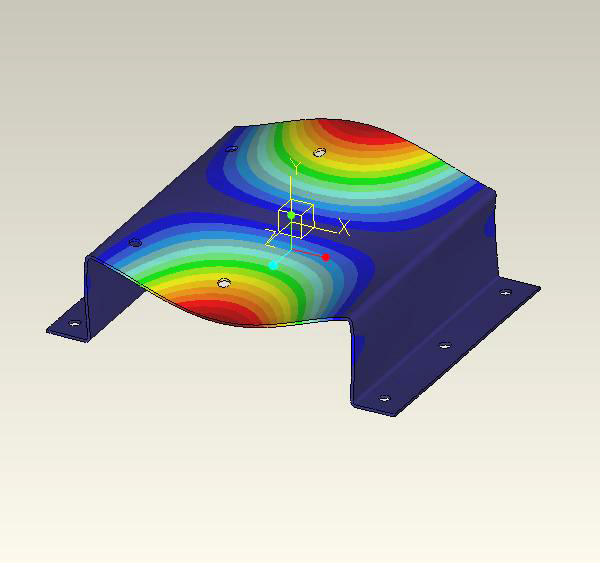
- Run modal and buckling analyses to catch failure modes that static analysis misses
- Post-process results and report stress, displacement, and factors of safety
- Use design optimization to reduce weight and material without sacrificing strength
Topics
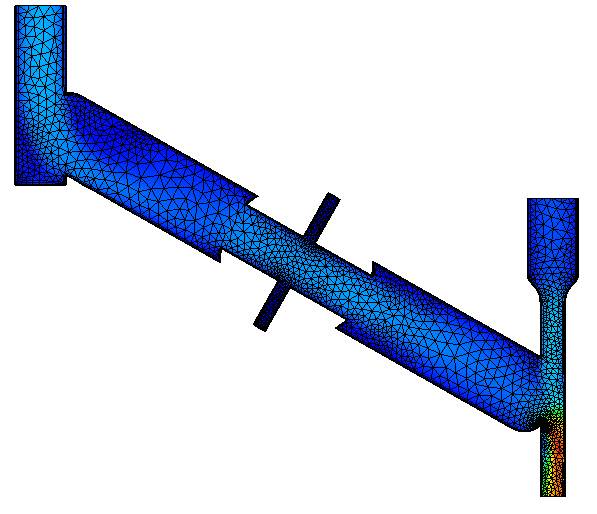
- The theory behind FEA (no math!)
- Preparing the data
- Linear static stress analysis (stresses and displacements)
- Solving meshing issues
- Assembly analysis
- Modal analysis
- Buckling analysis
- Understanding and presenting results
- Design optimization
- Design Optimization
Duration
24 hours
For student/corporate rates, please call (312)226-8339
Prerequisites
Good knowledge of Creo navigation; theoretical or practical experience with modes of failure for engineering designs.
Video Training Delivery System
Ask your Design Engine account manager about our Training Delivery System(TDS), an easy-to-follow guide for designers and engineers who want a supplement to this course.